Test your server with the Todo web application
The easy way to test is by simply navigating to a deployed version of the todo web application. The todo app expects your back-end to be running on port 3001.
To build and run the todo application from source, see the following section.
Testing the authorization model
You should see the following login modal:
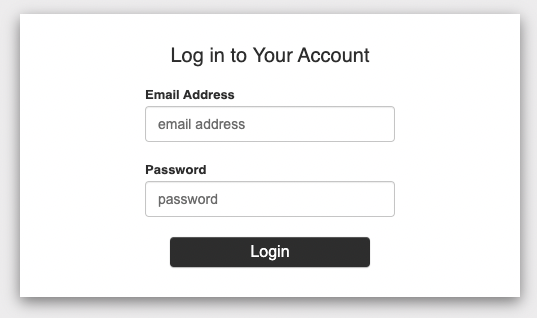
Start by logging in as the “admin” - rick@the-citadel.com and the password V@erySecre#t123!.
Add some todo items, and you should be able to see the following:
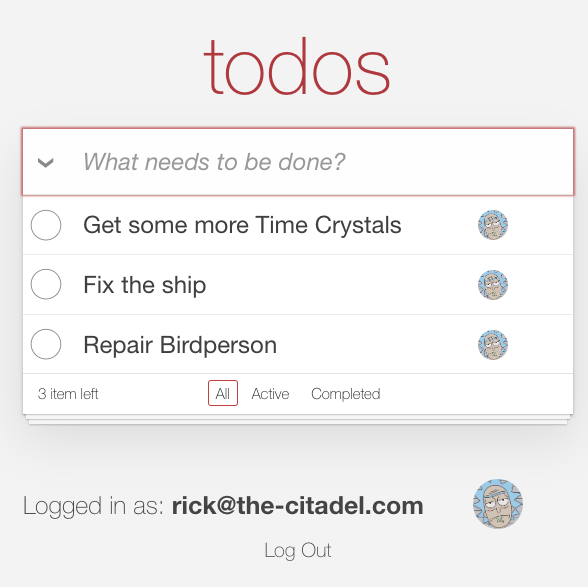
Log out, and log in again. This time as morty@the-citadel.com and the password V@erySecre#t123!. Create some additional todo items as Morty:
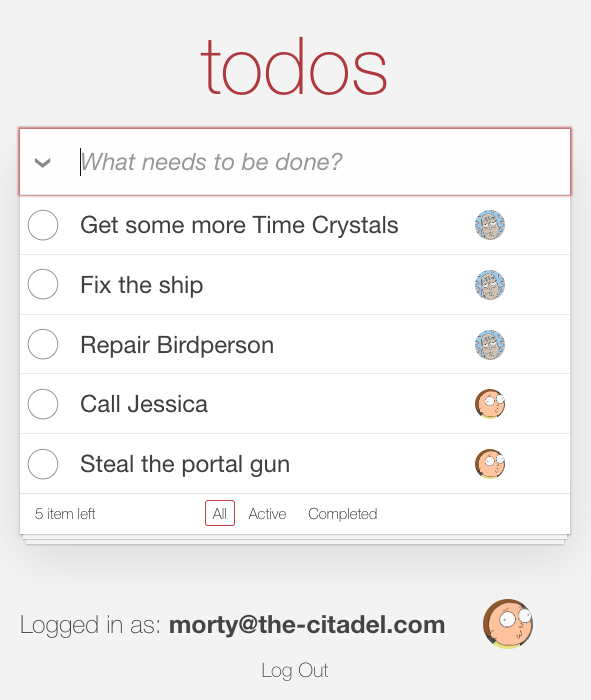
Since Morty is only an editor, he won't be able to delete a todo item he did not create. To test this, mark one of Morty's todo items as done:
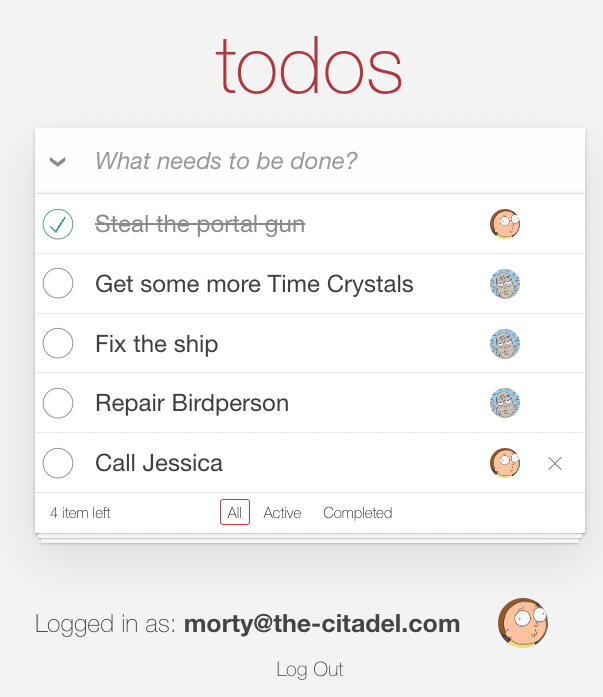
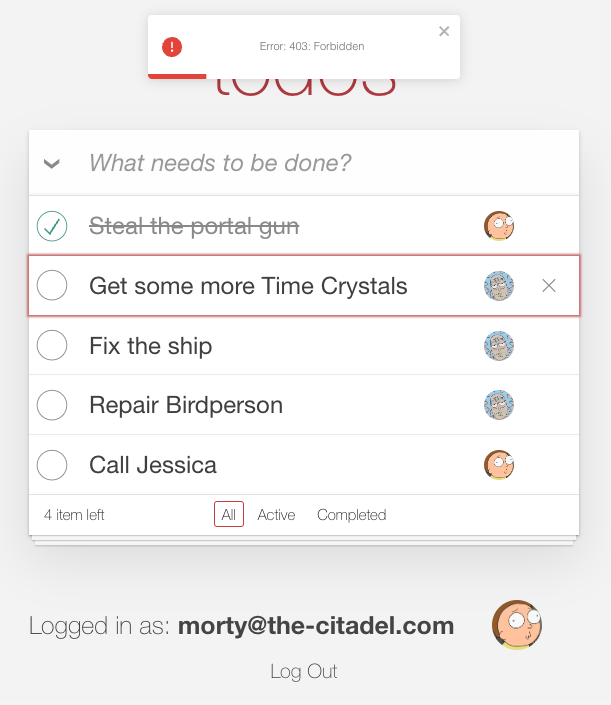
Then, attempt to delete one of Rick's todo items you created before. You should see the following error:
Building and running the Todo web application from source
Alternatively, you can build and run the todo application from source.
Clone the application
git clone https://github.com/aserto-demo/todo-application.git
Install the application dependencies
cd todo-application
yarn
Start the application
yarn start
Open your browser on localhost:3000.